KAUST Single Sign-On, or SSO, lets you use one KAUST account to sign in to many university services. Sign in once, and you can move between supported services without entering your password each time.
KAUST's sign-in system has grown over the years. We are now moving to Microsoft Entra ID, and services are moving over in stages during the coming months.
Wasset
Where we started
AD FS
Our previous sign-in
Microsoft Entra ID
Our new sign-in
Your username, password, and Duo stay the same.
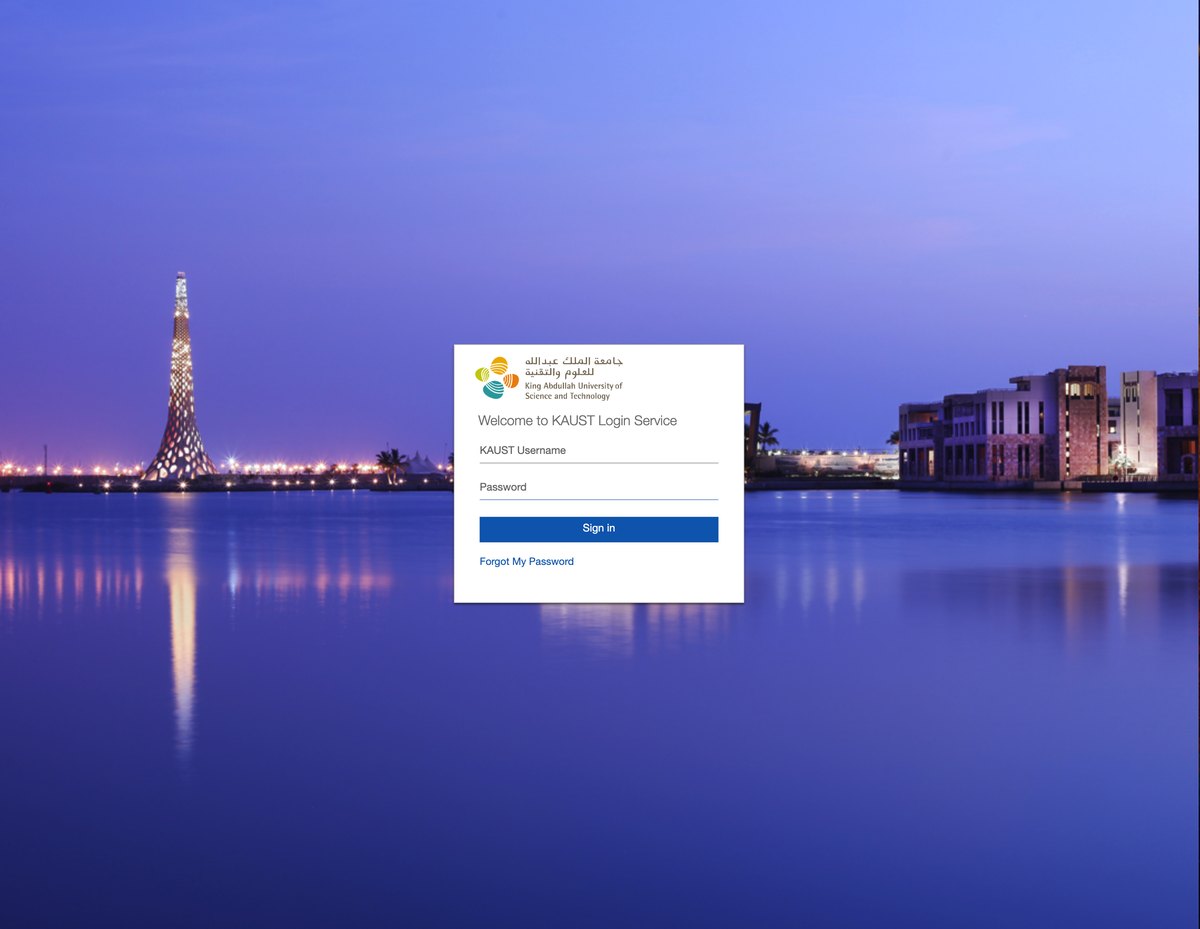
When you open a service that uses SSO, you will see a Microsoft sign-in page instead of the previous KAUST sign-in page. The design of the Microsoft page will be updated as the project progresses, and the IT Department will share any changes in advance.
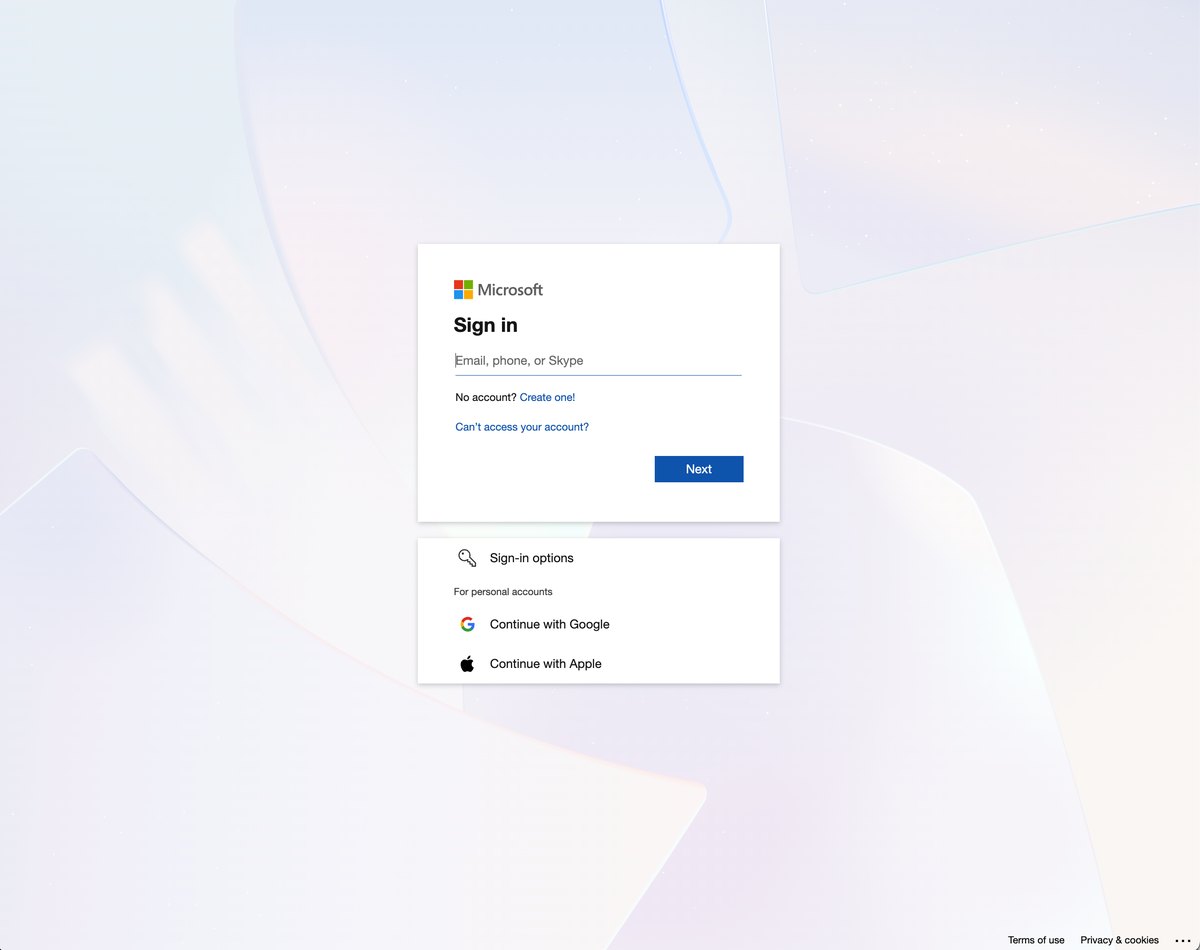
Now: enter your KAUST email address
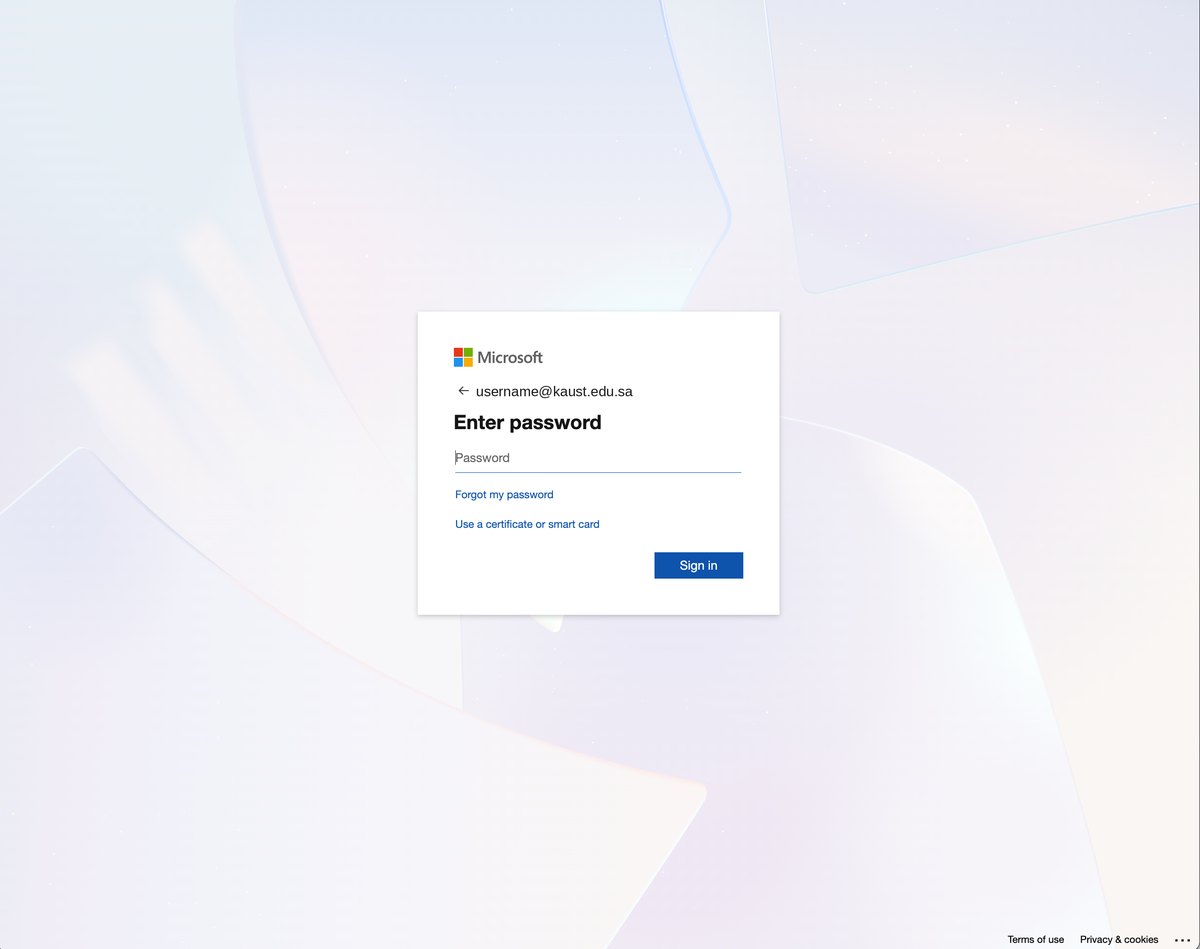
Now: enter your password
Before: previous sign-in page
Select an image to view it at full size.
Enter your KAUST email address
Enter your username followed by @kaust.edu.sa, then select Next. This takes you straight to the password screen.
Enter your password
Enter your KAUST password, then select Sign in.
Approve the Duo request
If Duo asks you to confirm it is you, approve the request on your phone.
Received an email saying your Duo settings were reset?
Follow our step-by-step guide to set up your Duo sign-in on the Microsoft sign-in page. It only takes a few minutes.
Many KAUST services use SSO, including tools for:
Email and collaboration
Email, calendars, files, and working together with colleagues.
Online meetings
Video calls and virtual meetings.
Research tools
Platforms that support research and scientific work.
Business and HR systems
Administrative, finance, and HR services.
Learning
Training and learning platforms.
Library resources
Online journals, books, and databases.
Please note: Access to some services depends on your KAUST role, such as student, faculty, or staff. Some services also need a license, which may need approval from your PI or line manager. To check availability, licensing, and cost, visit the KAUST Software Catalog.
Yes. SSO works from anywhere with an internet connection. When you sign in from off the KAUST network, you will also be asked to approve a Duo request. Some services may also require the KAUST VPN.
Access depends on your KAUST role and whether a license has been assigned to you. If you believe you should have access, check with your PI or line manager, or review the service in the KAUST Software Catalog.
Close your browser completely, open it again, and sign in. Check that your password has not expired at mypassword.kaust.edu.sa. Private or incognito windows do not remember your sign-in, so you may be asked more often. If the problem continues, contact us.
Do not enter your password. Close the page, open the service again, and check the page carefully. The IT Department shares any planned changes to the sign-in page in advance. If something still looks unusual, contact us.
Contact us if you have any problems signing in.
