Back to Top


Shared printers are available across campus within 25–30 metres of most work areas. Print jobs are held securely and only released when you authenticate at the device. Learn about the Green Printing Program
Your device must be connected to the KAUST network before printing.
How to send a print job
KAUST Device
Select GREEN Printing as your printer from any application.
Personal Computer
Log in at print.kaust.edu.sa and upload your file.
Phone or Tablet
Upload and print directly from the MyQ X app. Download links below.
How to release at the printer
1
Walk to the nearest shared printer. Use the finder below to locate one.
2
Open MyQ X or KAUSTCentral and scan the QR code on the printer screen to log in.
3
Select your file from the queue or tap Print All.
4
Pick up your documents and log out from the printer.
Download the apps
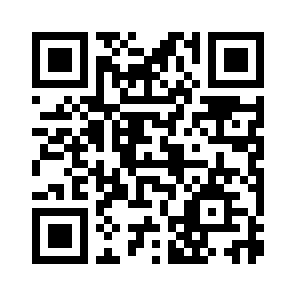
KAUSTCentral
KAUSTCentral QR
Auto-routes to your app store
kcqrcode.kaust.edu.sa
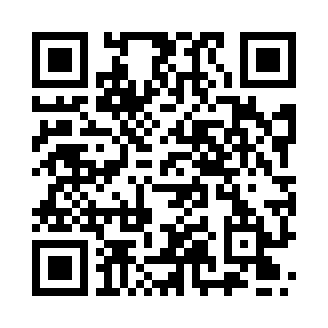
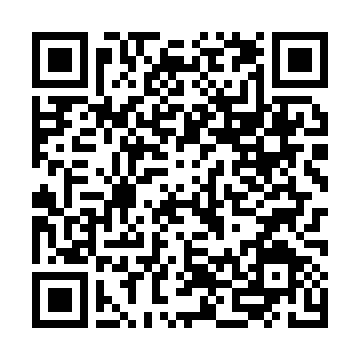
MyQ X
MyQ X iOS QR
Apple App Store
Download on App Store
Find a Printer
Select a Building to find printers. Optionally refine by Level and Room.
Results
Select a building to see printers
Use the Building filter above to get started.